
Online Trading Security That Supports How You Trade
SelfMSF helps protect your account with security checks when you log in and on every withdrawal. You can manage your security settings from your account area.
How We Protect Your Account
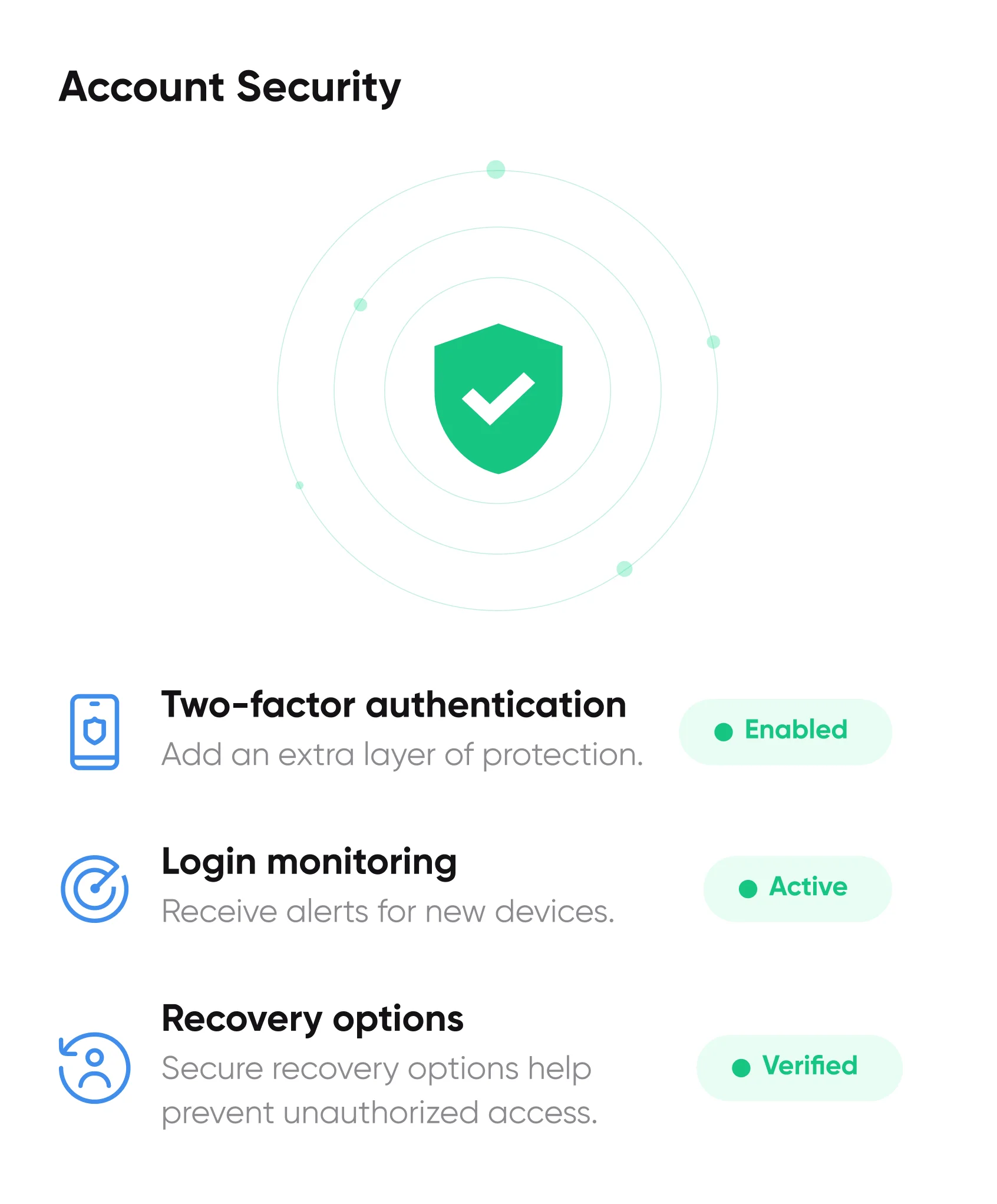
Several checks work together when you log in, change a detail or move money. You can manage most of them from the security settings in your account area.

Two-Factor Authentication
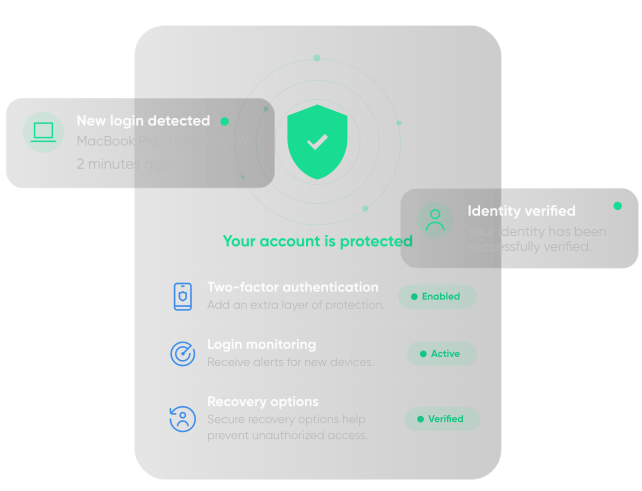
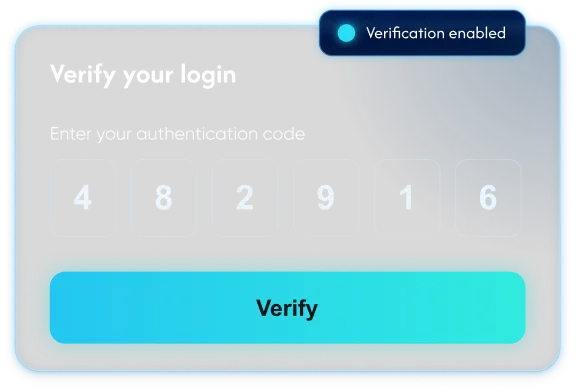
Add a code from your phone or authenticator app as a second check when you log in from a new device.
Login Monitoring
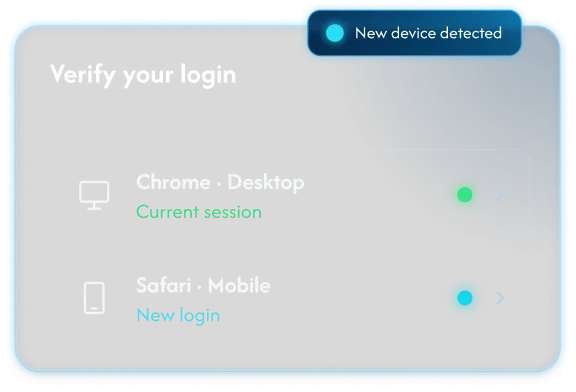
We look out for sign-ins from new devices or locations and let you know when one happens.
Account Recovery Checks
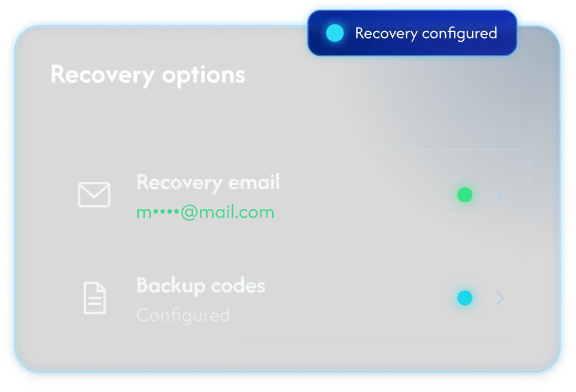
If you lose access, our team confirms your identity before restoring it, which keeps control of the account with you.
Security You Can Check Yourself
Device Control
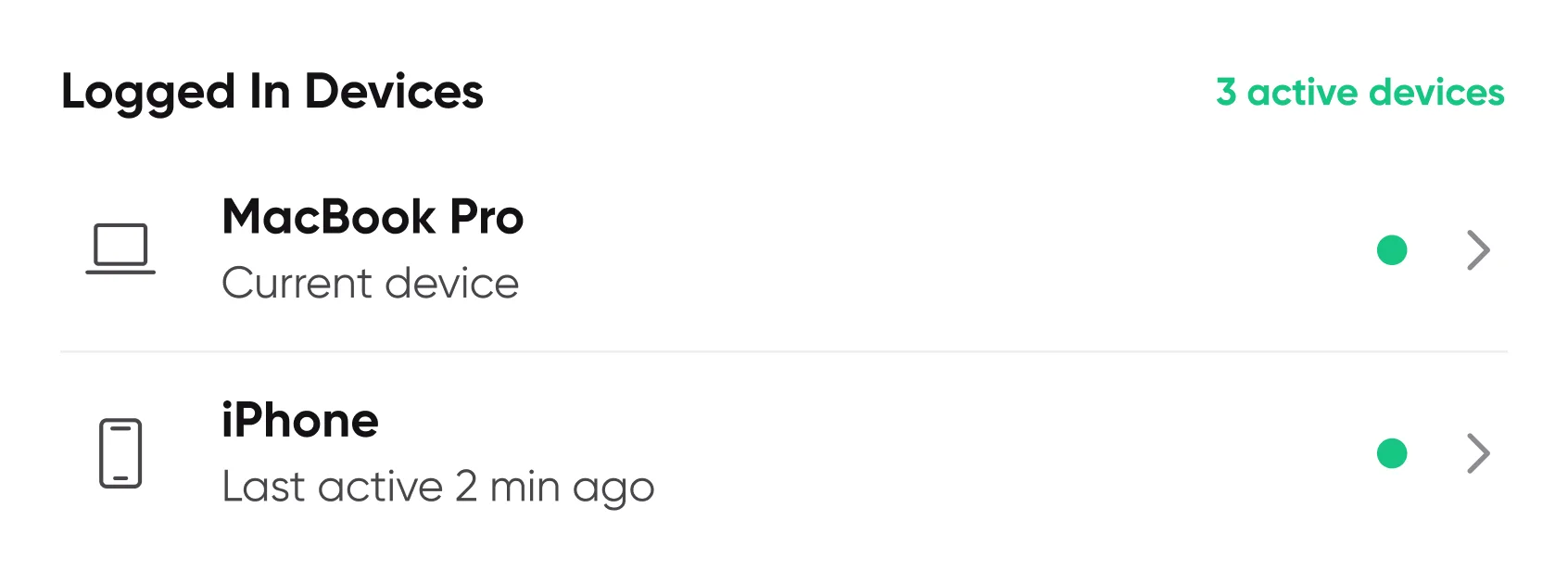
See the devices signed in to your account and sign out any you don’t recognize.
Activity History
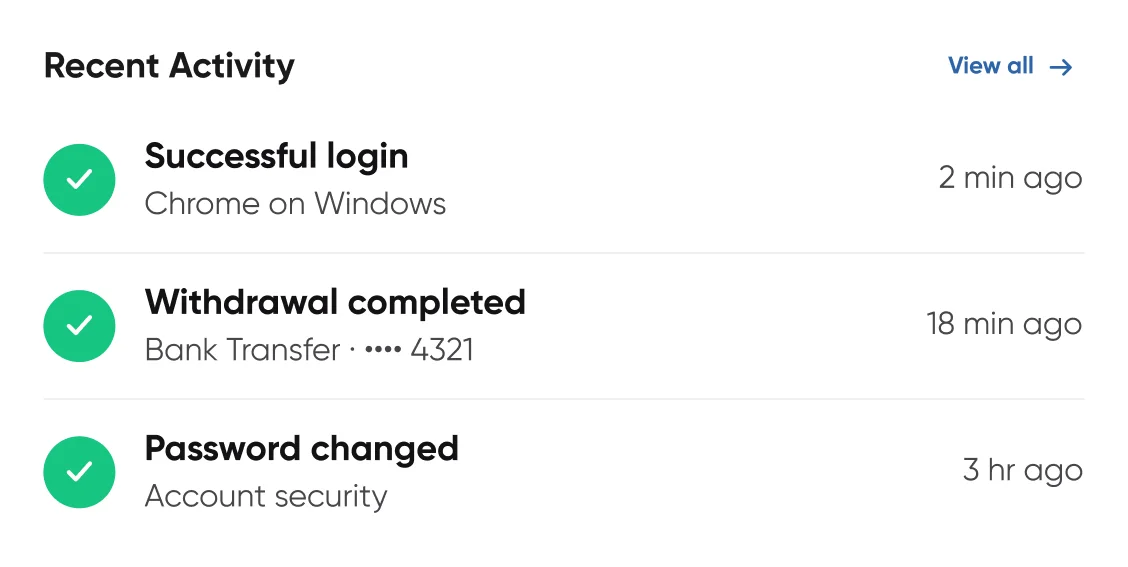
Look back over recent account changes, such as a new password or payment method, in one place.
Session Timeouts
Inactive sessions log out after a set time, which helps keep your account private on a shared computer.
Checks on the Money You Move
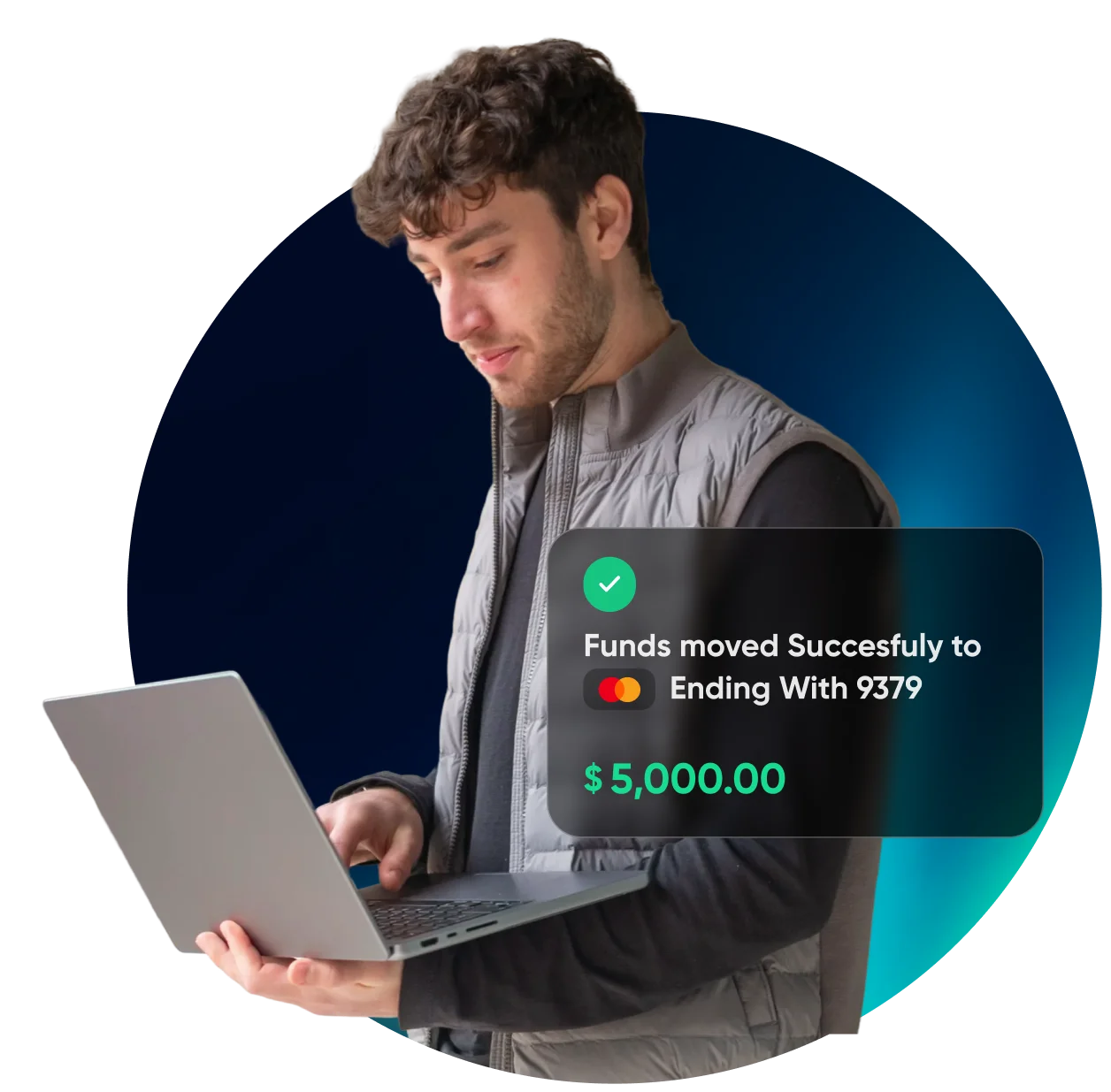
Deposits and withdrawals on SelfMSF use encrypted connections and payment methods in your name, with a review before money leaves your account.
Encrypted Transactions
Payment details are sent over encrypted connections and processed through secure payment providers.
Verified Payment Methods
Deposits and withdrawals are linked to payment methods in your own name, verified the first time you use each one.
Withdrawal Protection
Each withdrawal request is reviewed before money is released, and you may be asked to confirm it with a code.
Online Trading Security Questions
How SelfMSF protects your account and your money, and the habits that help you keep both secure.
How does SelfMSF protect my trading account?
SelfMSF protects your trading account with two-factor authentication, monitoring for new sign-ins, identity checks for account recovery and a review on each withdrawal. You can manage your security settings from your account area, including the devices signed in to your account.
Should I use two-factor authentication?
Yes. Two-factor authentication adds a second check on who’s signing in. When it’s on, you’ll need a code from your authenticator app or phone as well as your password when you log in from a new device. You can change the method you use in your security settings.
Will SelfMSF ever ask for my password?
SelfMSF won’t ask for your password or two-factor code by email, phone, chat or social media. If someone claiming to be from SelfMSF asks for either, keep it to yourself and report the message to our support team. Only enter your password on the official SelfMSF website.
What should I do if I think my account has been accessed?
Change your password, sign out other devices from your security settings and contact our support team. We can go through recent activity with you and may pause withdrawals while we check. Getting in touch early gives our team the most time to help protect your account and funds.
How are my deposits and withdrawals protected?
Deposits and withdrawals use encrypted connections and payment methods verified in your name. Withdrawals usually go back to the method you deposited with, and each request is reviewed before funds are released, sometimes with a code to confirm it’s you.
How can I keep my trading account secure?
Use a password you don’t use for anything else and keep two-factor authentication switched on. When a message asks you to log in, type the SelfMSF web address yourself and skip the link in the message. If anything in your account looks unfamiliar, our support team can check it with you.