

Trade from your phone’s web browser with nothing to download. Live prices and your open positions are always a tap away.
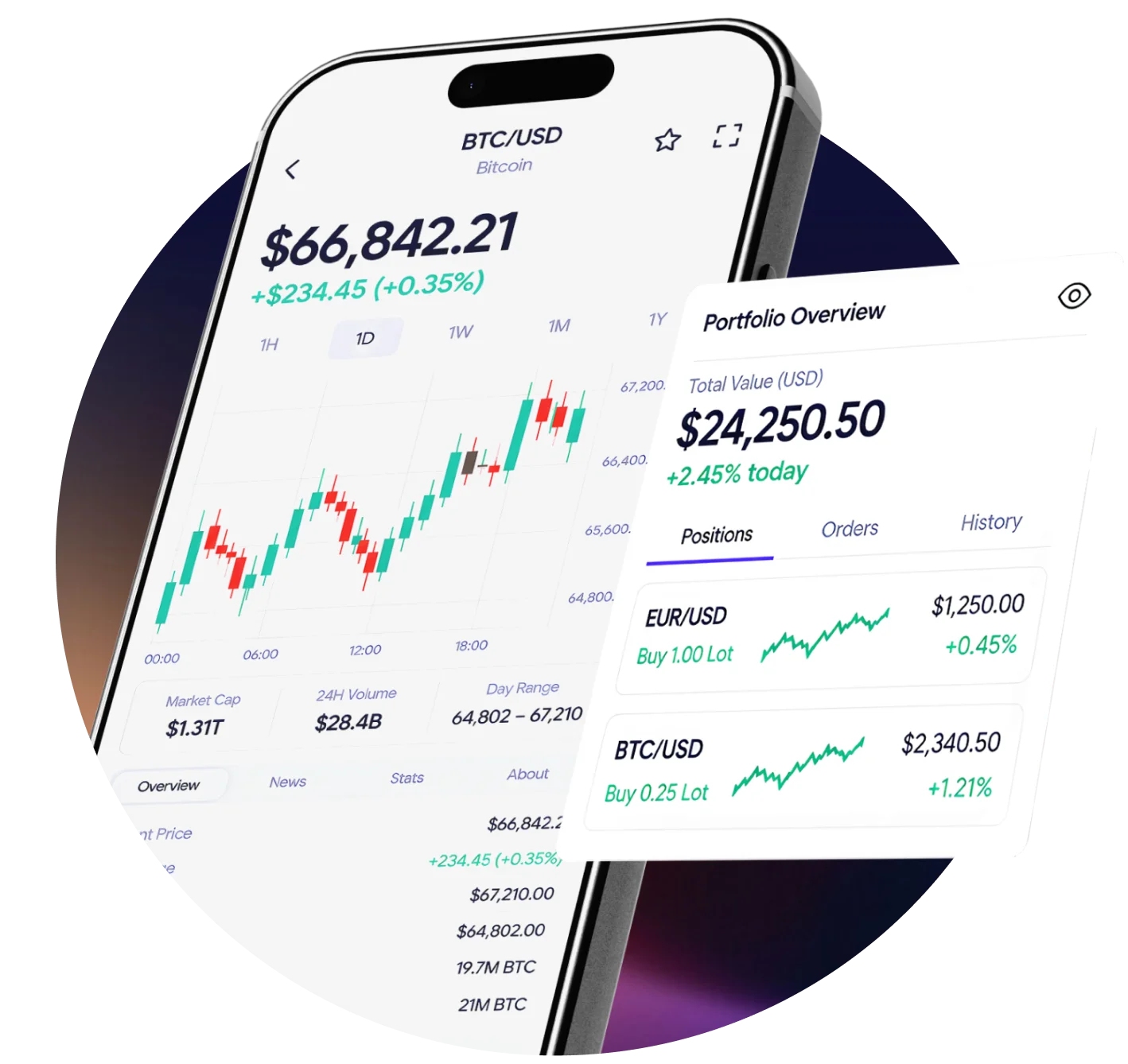
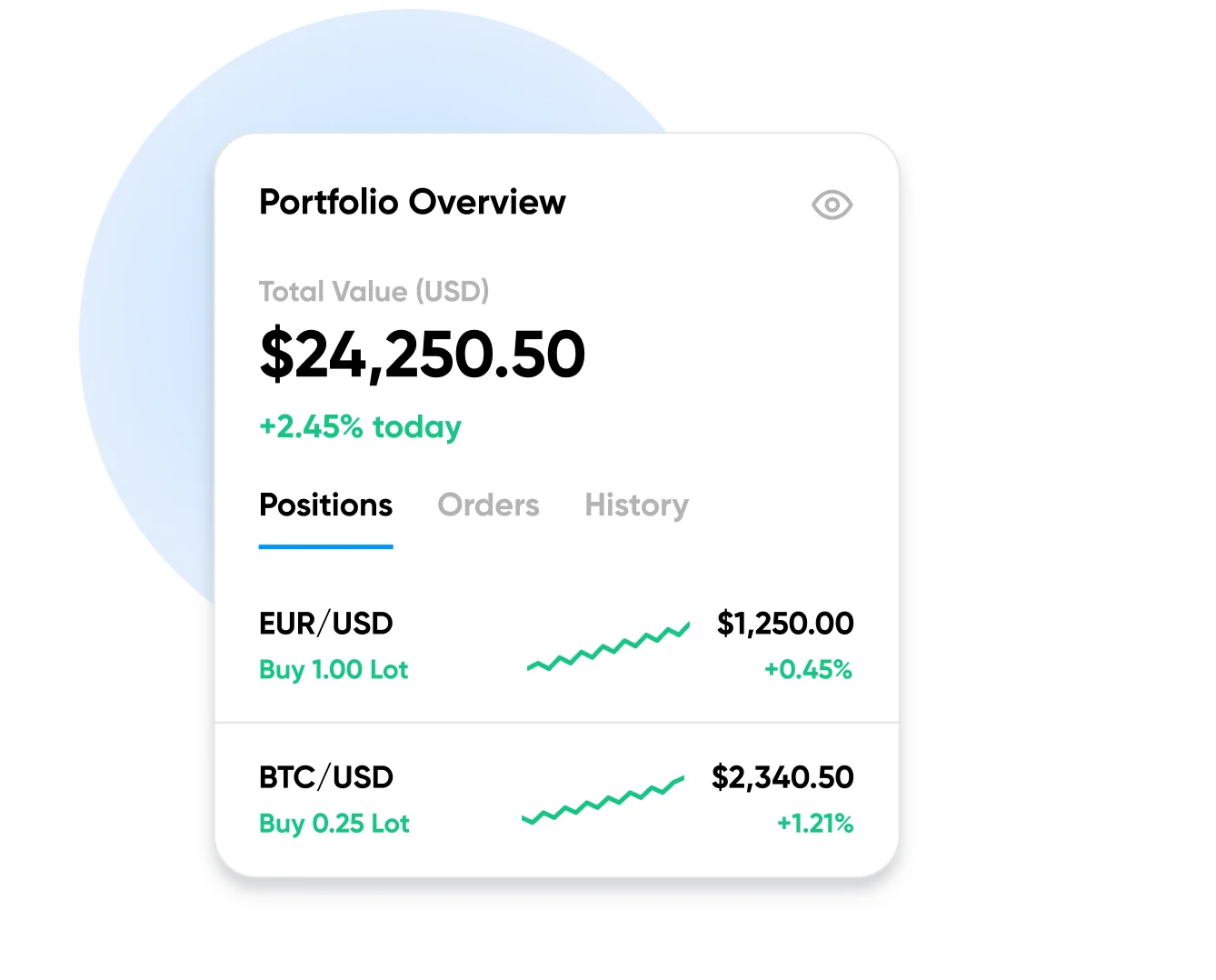
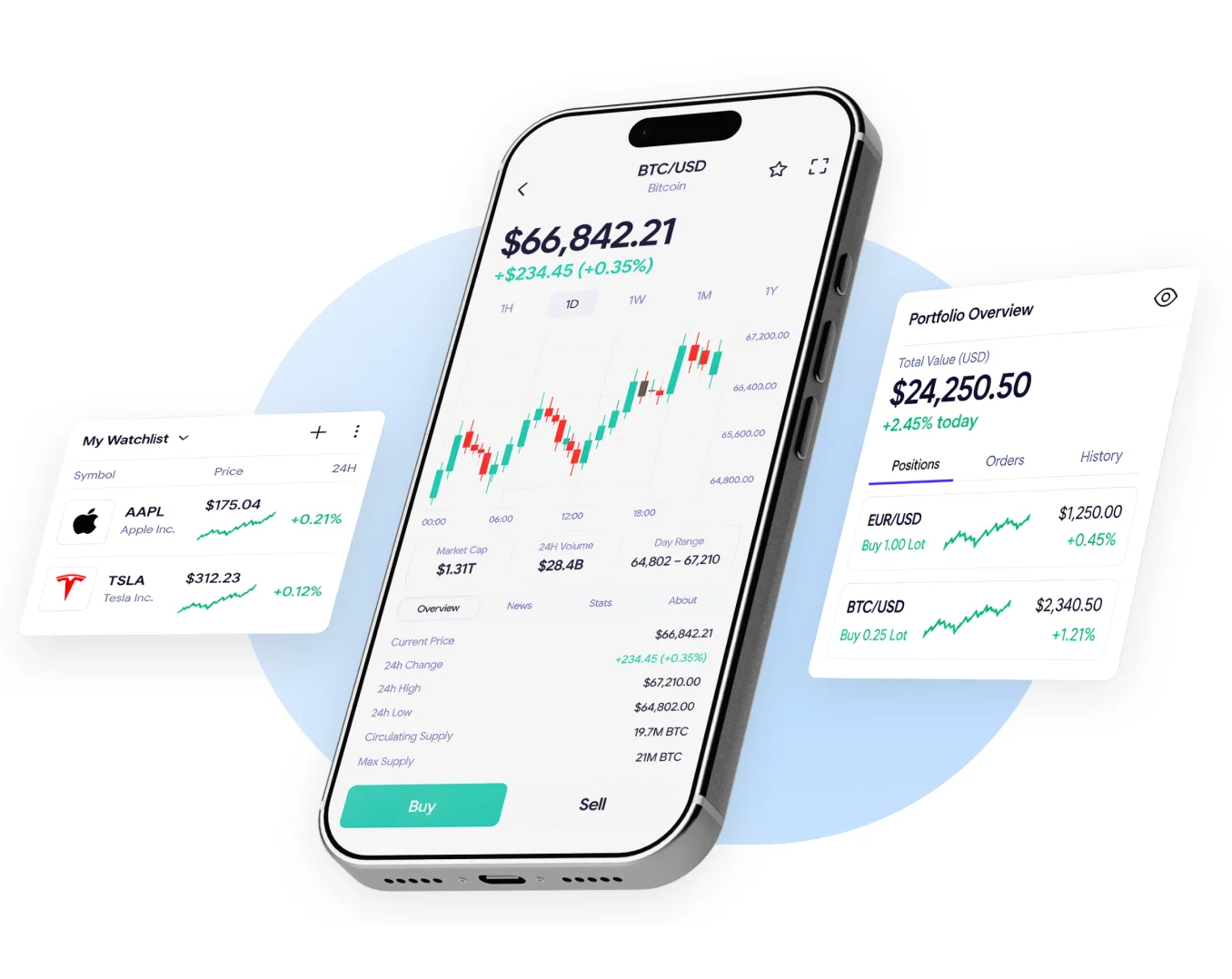
Open SelfMSF in your phone’s browser and see your balance, open positions, margin and available funds together on one screen.
Keep the instruments you follow from all six markets in one list and check their latest prices whenever you open SelfMSF on your phone.
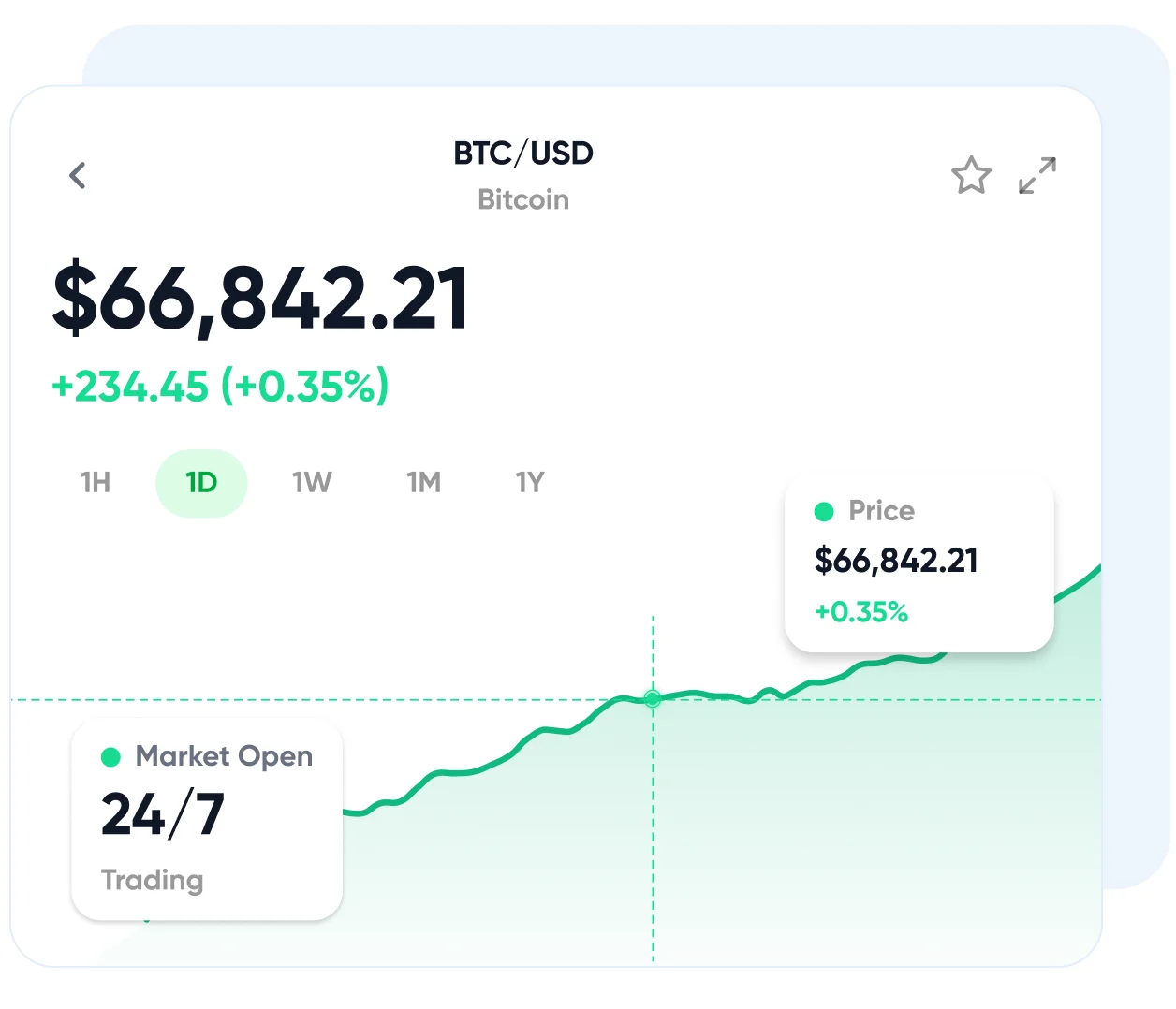
Open charts with indicators and timeframes on your phone’s screen, then place a trade from the same view.
Stay connected to the markets with easy-to-use mobile tools.

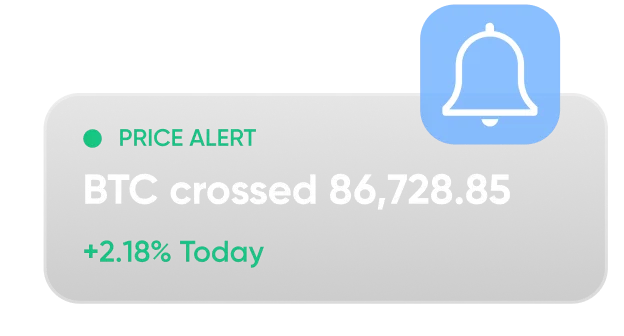
Set price alerts for your chosen markets and stay informed when key levels are reached.
Open, monitor and manage your trades directly from your phone, wherever you are.
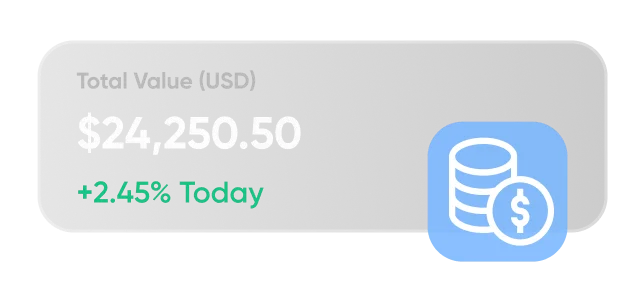
View your open positions, account balance and recent trading activity in one place.

Find out how to access SelfMSF, manage trades and stay connected to the markets from your phone.
You can access SelfMSF through your phone’s web browser without installing a separate app. Visit the website and log in to view your account, market prices and open positions.
Yes. You can start your registration from your phone and follow the steps to set up your SelfMSF account. Once your account is verified and funded, you can get started with trading.
Your SelfMSF account works across mobile and desktop, giving you access to your markets and trading activity. The mobile layout is designed for a smaller screen, so some features may look or work differently.
Yes. You can set alerts for the markets and price levels you follow. They help you stay informed about important price movements without checking charts all day.
Use a strong password, keep your phone updated and protect it with a screen lock. Avoid signing in on shared devices, and always log out when you’re finished. If you notice unusual account activity, contact our support team.