Quick answers about opening a SelfMSF trading account and what happens after you register.
How do I open a trading account with SelfMSF?
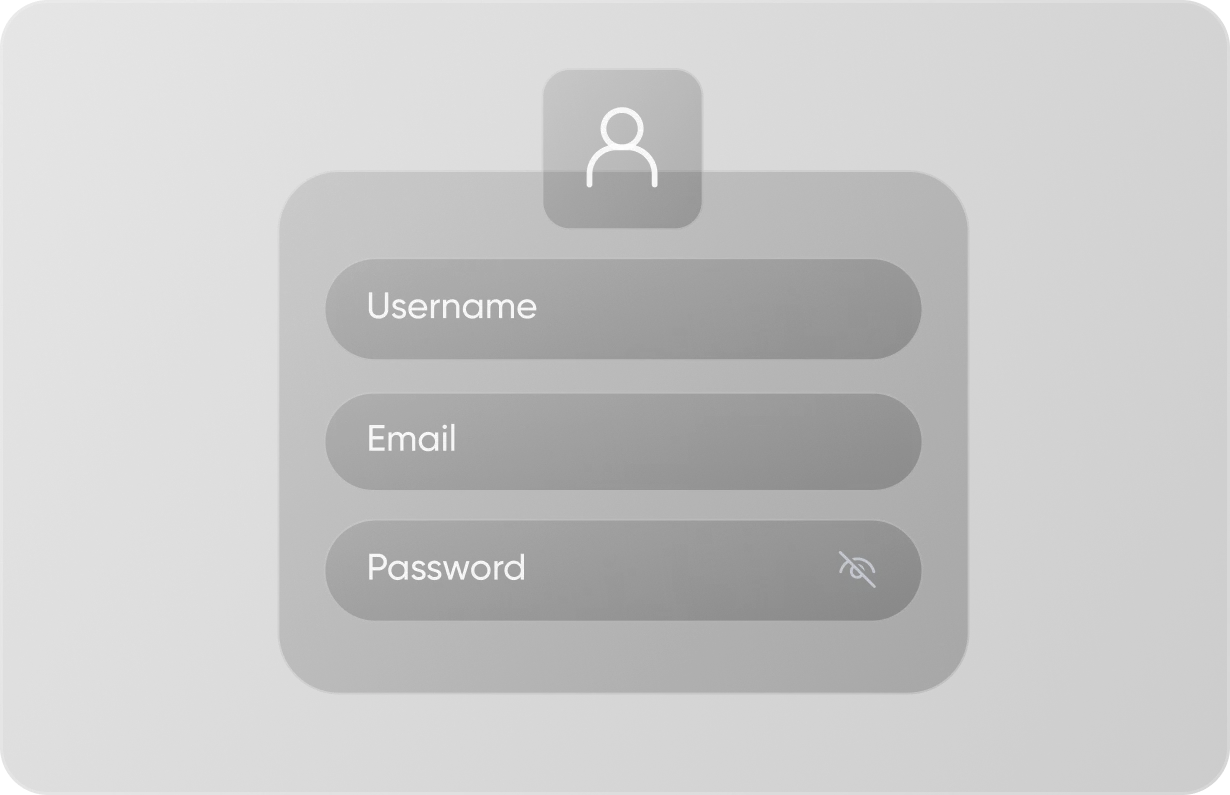
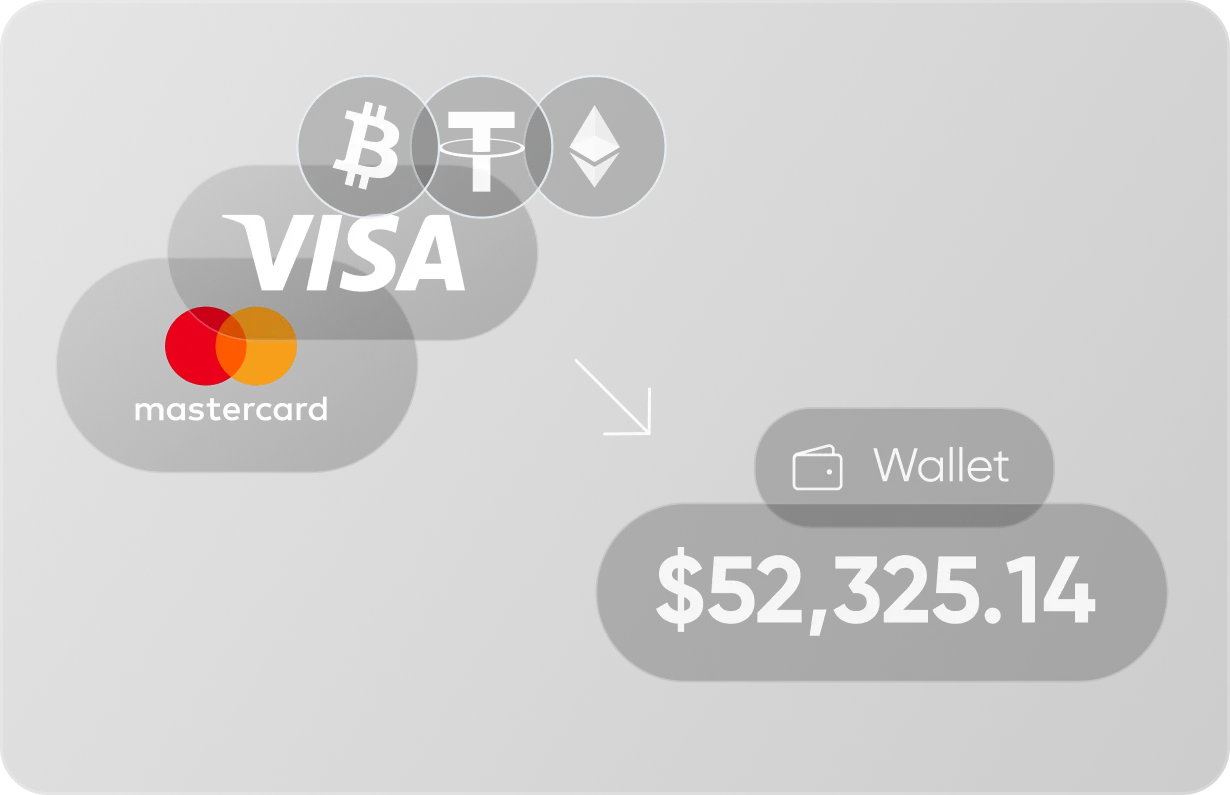
Start by registering online with a few personal details. We’ll then confirm your identity, and you can add funds whenever it suits you. Once your account is verified and funded, all six markets are open to you from one login.
What do I need to open an account?
You’ll need an email address, a phone number and a valid photo ID, plus a document that shows your address. You also need to be 18 or over and live in a country where SelfMSF accepts clients.
Is it free to open an account?
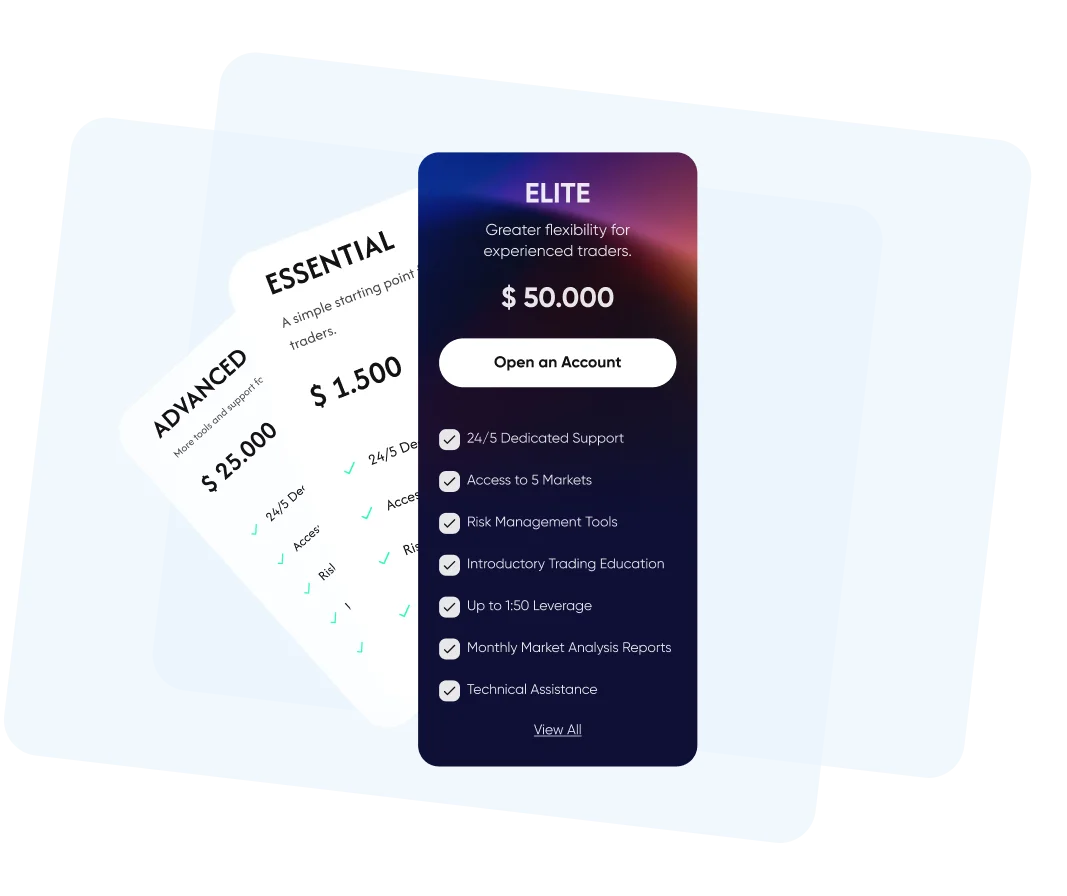
Yes, registration is free. You only add money when you decide to start trading. The minimum first deposit depends on the account type you choose, and the Account Types page shows each level side by side.
Can I sign up on my phone?
Yes. You can register from your phone’s web browser using the same form you’d see on a computer. Once your account is open, you can follow prices and manage trades on mobile too. Our Mobile Trading page explains how it works.
Which account type will I start on?
You choose your account type when you make your first deposit. Every level includes all six markets, and higher levels add more personal support. The Account Types page lays out the differences side by side.
Your Next Market Move Starts Here
Create your SelfMSF account and explore the markets and tools on the platform at your own pace.